

Video Plugin
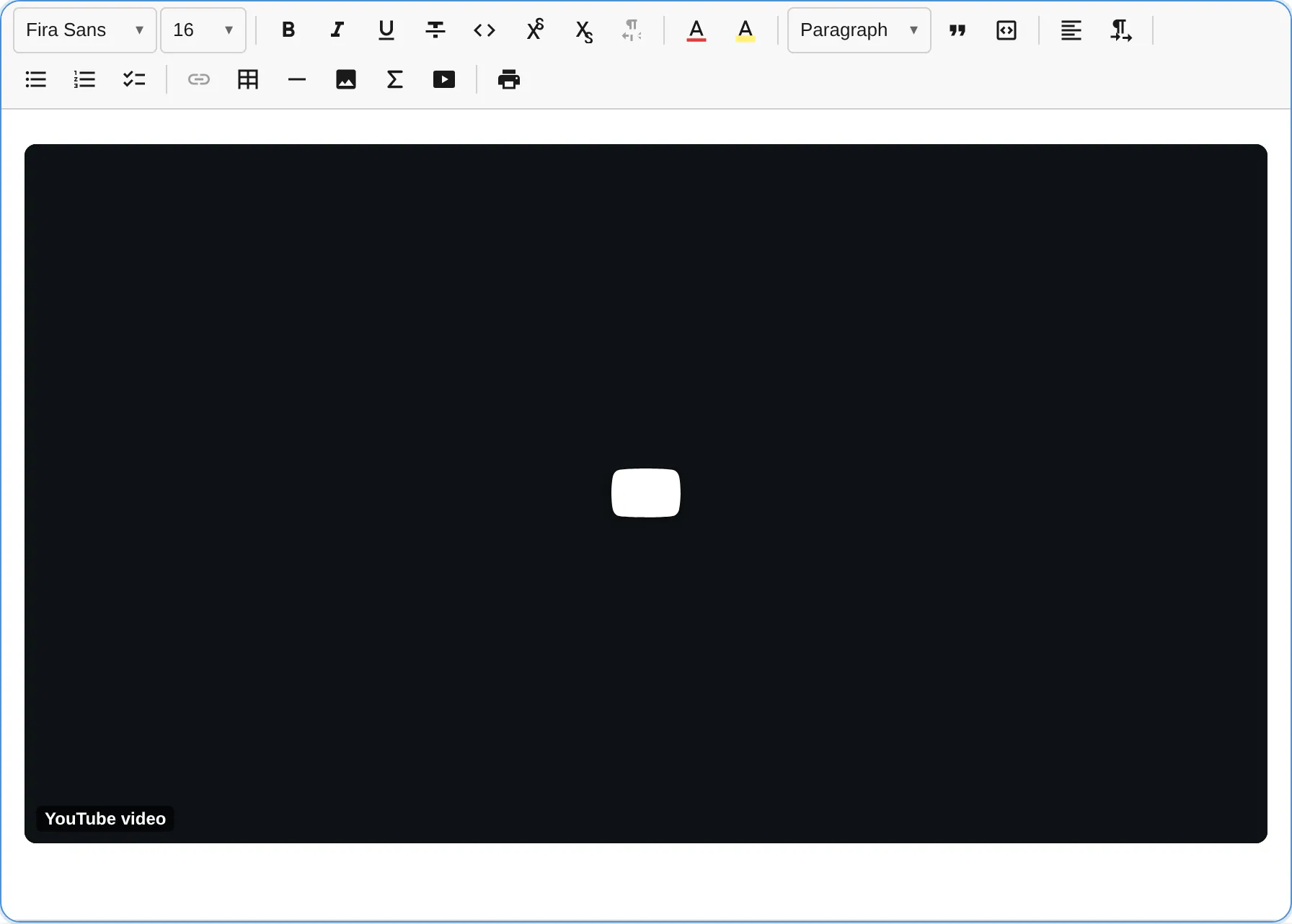
The VideoPlugin embeds hosted videos as selectable, void blocks rendered behind a privacy-first click-to-load facade. Every embed URL is derived by pure client-side parsing with no oEmbed, no provider SDK, and no network request before the user clicks Play. Zero new dependencies (uses DOMPurify already present in the bundle).
import { VideoPlugin } from '@notectl/core/plugins/video';
new VideoPlugin()// or with custom config:new VideoPlugin({  privacy: true,  facade: true,  useProviderThumbnail: false,  defaultAspectRatio: '16/9',  defaultWidthPercent: 100,})
VideoPlugin is included automatically in createFullPreset(), so no manual wiring is needed when using the full preset.
Configuration
Section titled “Configuration”interface VideoPluginConfig { /** Declarative provider registry. Default: YouTube, Vimeo, Dailymotion. */ readonly providers: VideoProvider[]; /** Use the privacy-first facade (click-to-load). @default true */ readonly facade: boolean; /** * Load the provider thumbnail in the facade. A provider thumbnail is a * third-party request, so it is off by default to preserve the * zero-contact-before-consent guarantee. @default false */ readonly useProviderThumbnail: boolean; /** Use privacy-enhanced hosts/params (nocookie / dnt). @default true */ readonly privacy: boolean; /** Aspect ratios offered in the editing UI. */ readonly allowedAspectRatios: string[]; /** Default aspect ratio for newly inserted videos. @default '16/9' */ readonly defaultAspectRatio: string; /** Default responsive width (percent of content column). @default 100 */ readonly defaultWidthPercent: number; /** Minimum responsive width (percent). @default 25 */ readonly minWidthPercent: number; /** Percent to grow/shrink per small resize step. @default 10 */ readonly widthStep: number; /** Percent to grow/shrink per large resize step. @default 25 */ readonly widthStepLarge: number; /** Whether videos are resizable. @default true */ readonly resizable: boolean; /** Customize keyboard bindings for video resize actions. */ readonly keymap?: VideoKeymap; /** Locale override for user-facing strings. */ readonly locale?: VideoLocale;}VideoKeymap
Section titled “VideoKeymap”Customize or disable individual keyboard resize bindings. Set a slot to null to disable it.
interface VideoKeymap { readonly growWidth?: string | null; readonly shrinkWidth?: string | null; readonly growWidthLarge?: string | null; readonly shrinkWidthLarge?: string | null; readonly resetSize?: string | null;}Custom Providers
Section titled “Custom Providers”A VideoProvider is a plain object. Adding a new provider requires only one configuration object:
import { VideoPlugin, DEFAULT_VIDEO_PROVIDERS } from '@notectl/core/plugins/video';import type { VideoProvider } from '@notectl/core/plugins/video';
const peerTubeProvider: VideoProvider = {  id: 'peertube',  label: 'PeerTube',  hostnames: ['peertube.example.org'],  embedHostnames: ['peertube.example.org'],  parse(url: URL) {    const m = url.pathname.match(/^\/videos\/watch\/([a-f0-9-]+)$/);    return m ? { videoId: m[1] } : null;  },  buildEmbedUrl(match, _options) {    return `https://peertube.example.org/videos/embed/${match.videoId}`;  },  buildWatchUrl(match) {    return `https://peertube.example.org/videos/watch/${match.videoId}`;  },};
new VideoPlugin({ providers: [...DEFAULT_VIDEO_PROVIDERS, peerTubeProvider] });
Supported Providers
Section titled “Supported Providers”The built-in provider registry handles the following URL shapes without any API calls:
| Provider | Supported URL Forms |
|---|---|
| YouTube | youtube.com/watch?v=, youtu.be/, youtube.com/shorts/, youtube.com/live/, youtube-nocookie.com/embed/ |
| Vimeo | vimeo.com/<id>, vimeo.com/<user>/<id>?h=<hash> (unlisted) |
| Dailymotion | dailymotion.com/video/<id>, dai.ly/<id> |
Insertion and Editing
Section titled “Insertion and Editing”Toolbar button
Section titled “Toolbar button”The Insert group in the toolbar shows a video icon. Clicking it opens an accessible form with:
- Video URL (required): any supported provider URL
- Title (required): descriptive accessible name for the embed (e.g. “How to set up notectl in 3 minutes”)
- Caption (optional): rendered as a visible
<figcaption>beneath the embed - Aspect ratio: dropdown selecting from the configured ratios (default: 16/9, 4/3, 1/1, 9/16)
The form blocks submission until the title field is filled, enforcing the accessibility requirement at the point of entry.
Ask-first paste
Section titled “Ask-first paste”Pasting a bare video URL keeps it as text and shows an announced “Embed this video?” affordance. The URL is never silently converted; the user is always in control. Clicking “Embed” opens the insert form pre-filled with the URL; the user can then add the required title before inserting.
On-selection toolbar
Section titled “On-selection toolbar”When a video block is selected (node selection), a contextual toolbar appears with:
- Edit: reopen the form to change URL, title, caption, or aspect ratio
- Align left / center / right: change the logical alignment of the embed
- Delete: remove the video block
Resizing
Section titled “Resizing”Drag the side handles to resize, or use keyboard shortcuts while the video is selected. Width is expressed as a percentage of the content column, so it remains responsive at any editor size.
Commands
Section titled “Commands”| Command | Description | Returns |
|---|---|---|
insertVideo |
Open the insert form (or edit form when a video is selected) | boolean |
removeVideo |
Remove the currently selected video block | boolean |
resizeVideoGrow |
Increase width by widthStep (default 10%) |
boolean |
resizeVideoShrink |
Decrease width by widthStep (default 10%) |
boolean |
resizeVideoGrowLarge |
Increase width by widthStepLarge (default 25%) |
boolean |
resizeVideoShrinkLarge |
Decrease width by widthStepLarge (default 25%) |
boolean |
resetVideoSize |
Reset width to defaultWidthPercent (default 100%) |
boolean |
editor.executeCommand('insertVideo');editor.executeCommand('removeVideo');editor.executeCommand('resizeVideoGrow');Keyboard Shortcuts
Section titled “Keyboard Shortcuts”When a video block is selected (node selection):
| Shortcut | Command | Description |
|---|---|---|
Mod-Shift-ArrowRight |
resizeVideoGrow |
Grow width by small step (10%) |
Mod-Shift-ArrowLeft |
resizeVideoShrink |
Shrink width by small step (10%) |
Mod-Shift-Alt-ArrowRight |
resizeVideoGrowLarge |
Grow width by large step (25%) |
Mod-Shift-Alt-ArrowLeft |
resizeVideoShrinkLarge |
Shrink width by large step (25%) |
Mod-Shift-0 |
resetVideoSize |
Reset to default width |
Mod is Cmd on macOS and Ctrl on Windows/Linux. All shortcuts are customizable via the keymap config option.
Node Spec
Section titled “Node Spec”| Type | HTML Tag | Attributes | Description |
|---|---|---|---|
video |
<figure class="notectl-video"> |
provider, videoId, aspectRatio, widthPercent, align, title, caption?, hash?, privacy |
Video embed block (void) |
The video block is a void block: it is not editable but can be selected (node selection). The node never stores raw <iframe> HTML; the live iframe is constructed at view time from provider and videoId. This separation is both the privacy keystone and the security keystone: a future change in embed URL structure only requires updating the provider’s buildEmbedUrl() function, not migrating stored content.
Video Inside a Table Cell
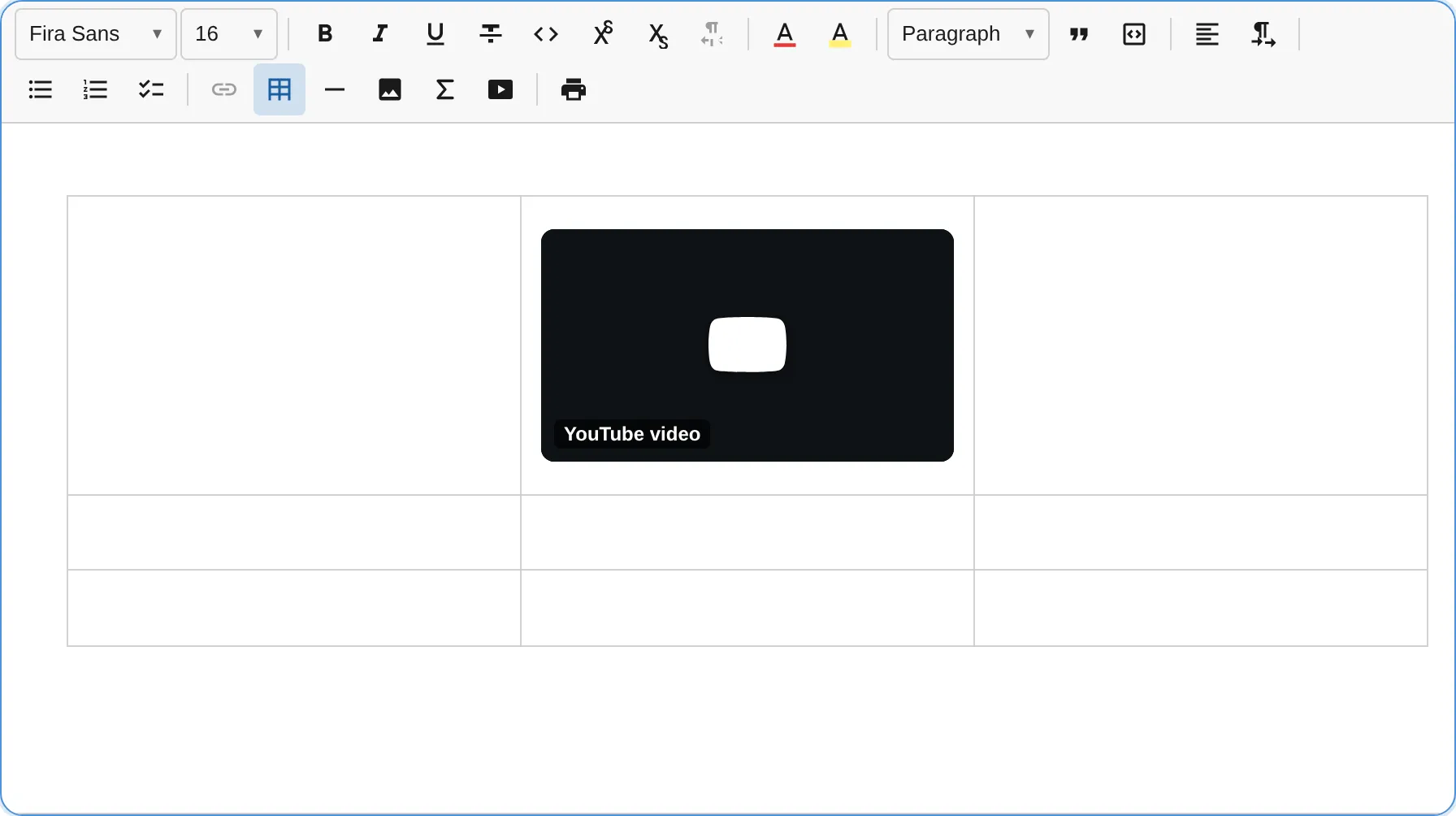
Section titled “Video Inside a Table Cell”Videos can be embedded directly inside table cells. Use the toolbar button while the caret is inside a cell, or click into a cell before using editor.executeCommand('insertVideo').
Activated Embed
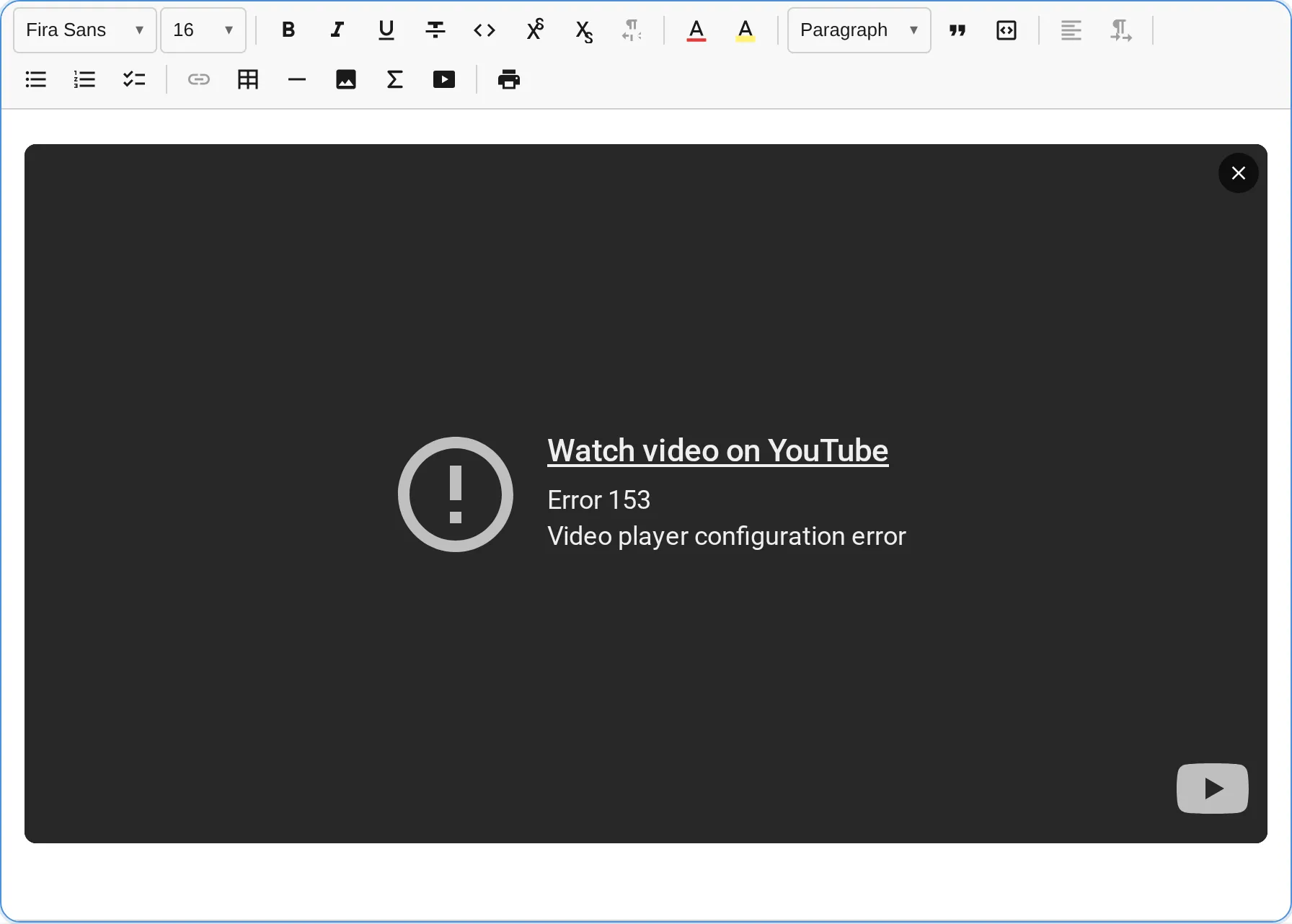
Section titled “Activated Embed”Once the user clicks the Play facade, the privacy-enhanced iframe is built and replaces the facade. The exit button (top-right) returns focus to the facade without reloading the page.
Accessibility
Section titled “Accessibility”Accessibility is a primary design constraint of the Video plugin, not an optional add-on. This is the main differentiator from most editor video embeds.
Descriptive iframe title (WCAG SC 4.1.2, Level A)
Section titled “Descriptive iframe title (WCAG SC 4.1.2, Level A)”The insert form requires a non-empty, descriptive title before it allows submission. This title becomes the title attribute of the <iframe> element, which is what screen readers announce when the user enters the player. A good title describes the video content (“How to set up notectl in 3 minutes”); a poor title (“YouTube video player”) adds no information. The plugin enforces the good pattern at the point of insertion.
Play button as a real control
Section titled “Play button as a real control”The facade Play control is a native <button> element. It is keyboard-operable with Enter and Space, receives focus in tab order, and is visible in forced-colors/high-contrast mode.
Focus management after activation
Section titled “Focus management after activation”When the user activates the facade, focus moves into the embedded player. An always-reachable exit control is provided to return focus to the facade after leaving the player. This mitigates the cross-origin iframe keyboard-trap risk described in WCAG SC 2.1.1 and SC 2.1.2.
No autoplay on load
Section titled “No autoplay on load”The facade means no <iframe> exists on the page until the user explicitly clicks Play. Only after that user gesture is the iframe built with autoplay=1. This is the established facade pattern and is not a load-time autoplay violation (WCAG Failure F93 applies to autoplay at page load, not user-gesture-gated activation). Under @media (prefers-reduced-motion: reduce) the player loads paused, satisfying SC 2.2.2 for motion-sensitive users.
Screen reader announcements
Section titled “Screen reader announcements”- When a video is selected, a polite announcement names the video and describes the available resize shortcuts.
- After each resize operation, the new width percentage is announced.
- Entering and exiting the player is announced.
Accessible figure and caption
Section titled “Accessible figure and caption”The <figure> element has an aria-label combining the provider name and title. When a caption is provided, it is rendered as <figcaption> inside the figure.
Forced-colors support
Section titled “Forced-colors support”The facade button and its focus ring use CSS forced-colors overrides so they remain visible in Windows High Contrast mode and other forced-color themes.
Privacy and Security
Section titled “Privacy and Security”Zero contact before consent
Section titled “Zero contact before consent”The facade (click-to-load) is on by default. No request is made to the video provider, not even a thumbnail fetch, until the user clicks Play. The default facade uses a local placeholder graphic. Provider thumbnails are opt-in via useProviderThumbnail: true, because loading a provider thumbnail is itself a third-party request that breaks the zero-contact guarantee.
This default is safe for GDPR / Schrems II: the provider receives no user IP address, no referrer, and no cookie until the user gives explicit consent by clicking.
Privacy-enhanced embed URLs
Section titled “Privacy-enhanced embed URLs”On activation, the plugin builds privacy-enhanced URLs by default:
- YouTube:
https://www.youtube-nocookie.com/embed/{id} - Vimeo:
https://player.vimeo.com/video/{id}?dnt=1 - Dailymotion: standard embed (Dailymotion does not offer an equivalent nocookie host)
All iframes additionally carry referrerpolicy="no-referrer" and loading="lazy".
Disable this behaviour with privacy: false if your deployment already handles consent and you need full provider features.
HTML export
Section titled “HTML export”The HTML export produces a progressive-enhancement <figure> containing a labelled watch link:
<figure data-video-provider="youtube" data-video-id="dQw4w9WgXcQ" data-video-ratio="16/9" data-video-width="100" data-video-privacy="true"> <a href="https://www.youtube.com/watch?v=dQw4w9WgXcQ" rel="noopener noreferrer"> How to set up notectl in 3 minutes </a></figure>A notectl renderer upgrades this to the facade. In any other context it degrades to a privacy-preserving link. A plain <iframe> export would leak the privacy promise on every page that renders the exported HTML.
DOMPurify host-allowlist hook
Section titled “DOMPurify host-allowlist hook”Imported <iframe> elements (e.g. from pasted HTML or loaded HTML content) pass through a DOMPurify hook that validates the src attribute against the exact HTTPS hostnames of the configured provider embed hosts. The hook rejects:
- Non-HTTPS schemes
srcdocattributes- Hostnames not in the allowlist (including look-alikes such as
evilyoutube.comandyoutube.com.evil.com) - The
username@evil.comuserinfo trick
The allowlist is derived automatically from the configured providers, so custom providers are covered without additional configuration.
Content Security Policy
Section titled “Content Security Policy”Integrators using a Content-Security-Policy header must add the embed hosts to frame-src. For the built-in providers:
Content-Security-Policy: frame-src https://www.youtube-nocookie.com https://www.youtube.com https://player.vimeo.com https://www.dailymotion.com https://geo.dailymotion.com;Keep this in sync with the embedHostnames of any custom providers you add.
Localization
Section titled “Localization”Nine locales ship out of the box: en, de, es, fr, zh, ru, ar, hi, pt. The locale is resolved automatically from the browser language unless overridden.
To use a specific locale, import the English default and pass a dynamically loaded locale:
import { VideoPlugin, loadVideoLocale } from '@notectl/core/plugins/video';
// Load a locale by browser tag (falls back to en automatically):const locale = await loadVideoLocale('de');new VideoPlugin({ locale });
Phase Note
Section titled “Phase Note”This is Phase 1: embedding videos from hosted providers (YouTube, Vimeo, Dailymotion). Phase 2 is planned and will add self-hosted native <video> blocks with <source> elements, WebVTT <track> captions, and an upload-service hook following the same pattern as the image plugin.