

Read-Only Checklist
By default, readonly: true blocks all interaction, including checkbox toggling. To allow users to check/uncheck items while keeping the rest of the editor locked, enable interactiveCheckboxes on the ListPlugin.
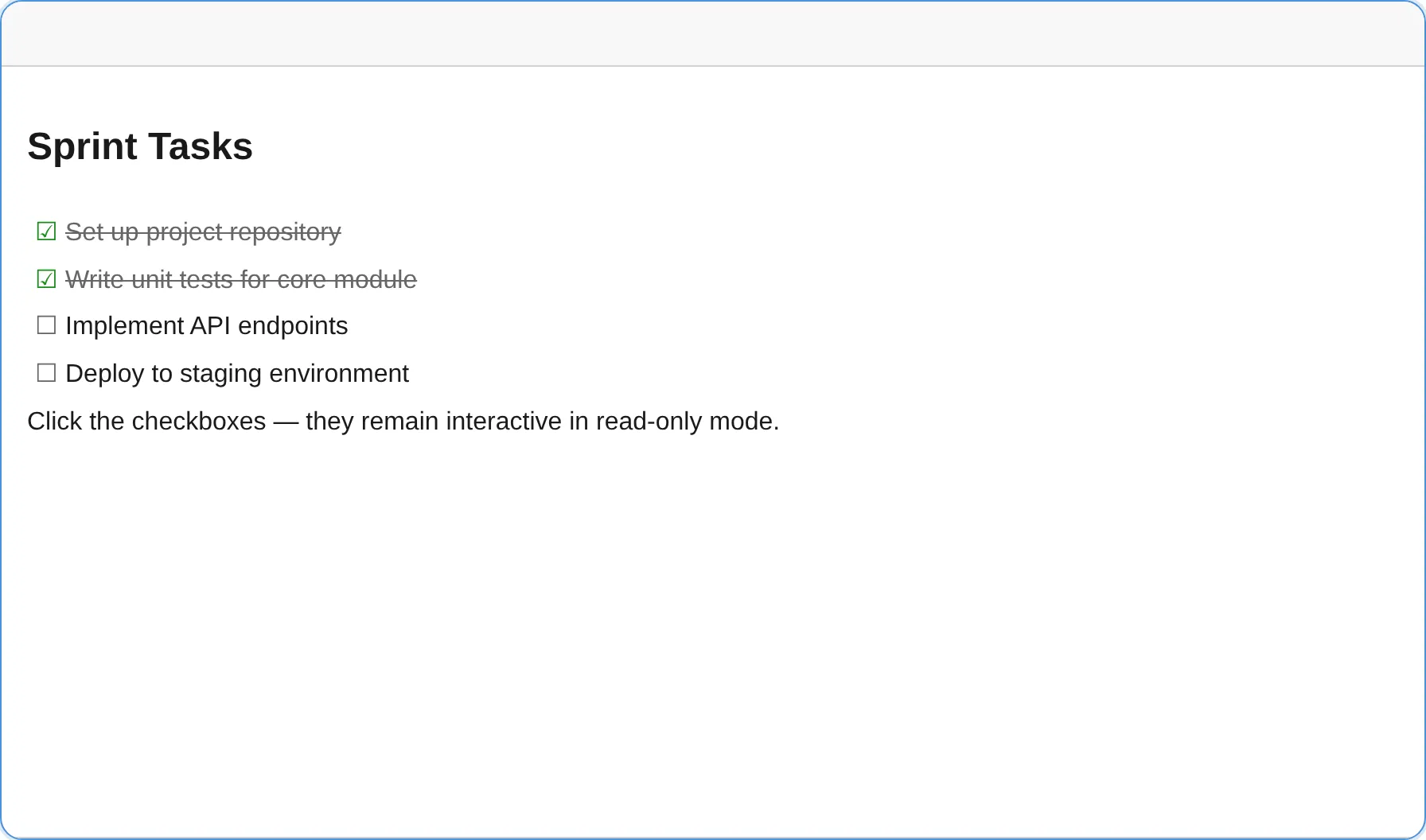
Pass interactiveCheckboxes: true to the ListPlugin:
import { createEditor } from '@notectl/core';import { ListPlugin } from '@notectl/core/plugins/list';
const editor = await createEditor({  readonly: true,  plugins: [new ListPlugin({ interactiveCheckboxes: true })],});document.body.appendChild(editor);
Without interactiveCheckboxes, checkboxes are fully read-only — just like all other content.
Toggling at runtime
Section titled “Toggling at runtime”You can switch between fully read-only and editable mode at any time:
// Make editableeditor.configure({ readonly: false });
// Make read-only (checkboxes still interactive if configured)editor.configure({ readonly: true });
Or use the HTML attribute for fully read-only (no interactive checkboxes):
<notectl-editor readonly></notectl-editor>Behavior
Section titled “Behavior”| Feature | readonly: true |
readonly: true + interactiveCheckboxes |
|---|---|---|
| Toolbar | Hidden | Hidden |
| Text editing | Disabled | Disabled |
| Text selection | Allowed | Allowed |
| Checklist checkboxes | Disabled | Interactive |
| Table controls (structure, context menu, resize separators, size dialog) | Disabled | Disabled |
| Code-block controls (delete, language picker) | Disabled | Disabled |
| Copy buttons | Allowed | Allowed |
The read-only guard runs centrally inside EditorView.dispatch, so any plugin that builds a transaction — including click handlers on NodeView controls — is automatically inert in read-only mode. Plugins can opt into bypassing the guard for specific commands by registering them with readonlyAllowed: true (the same mechanism interactiveCheckboxes uses).
Persisted table dimensions still render in read-only mode. TableSizingService read methods remain
available for inspection, while every sizing setter/reset returns false without mutating state.
See Table sizing in read-only mode.
Use Cases
Section titled “Use Cases”- Task management — Display a project checklist where reviewers can mark items complete without modifying task descriptions.
- Forms and surveys — Render a read-only form with toggleable checkbox options.
- Presentations — Show a progress checklist that a presenter can check off during a talk.
Programmatic Access
Section titled “Programmatic Access”The toggleChecklistItem command respects the same readonly guard. With interactiveCheckboxes enabled, it works even in read-only mode:
// Toggle the checklist item at the current selectioneditor.executeCommand('toggleChecklistItem');
// Read the full document stateconst doc = editor.getJSON();
Keyboard Access
Section titled “Keyboard Access”Keyboard-only users toggle a checklist item with Mod+Enter (Ctrl+Enter on Windows/Linux, Cmd+Enter on macOS) while the caret is inside the item. The binding is registered at navigation priority, so it stays reachable in read-only mode when interactiveCheckboxes is enabled, giving keyboard users the same toggle access as a mouse click. This satisfies WCAG 2.1.1 (Keyboard).