

List Plugin
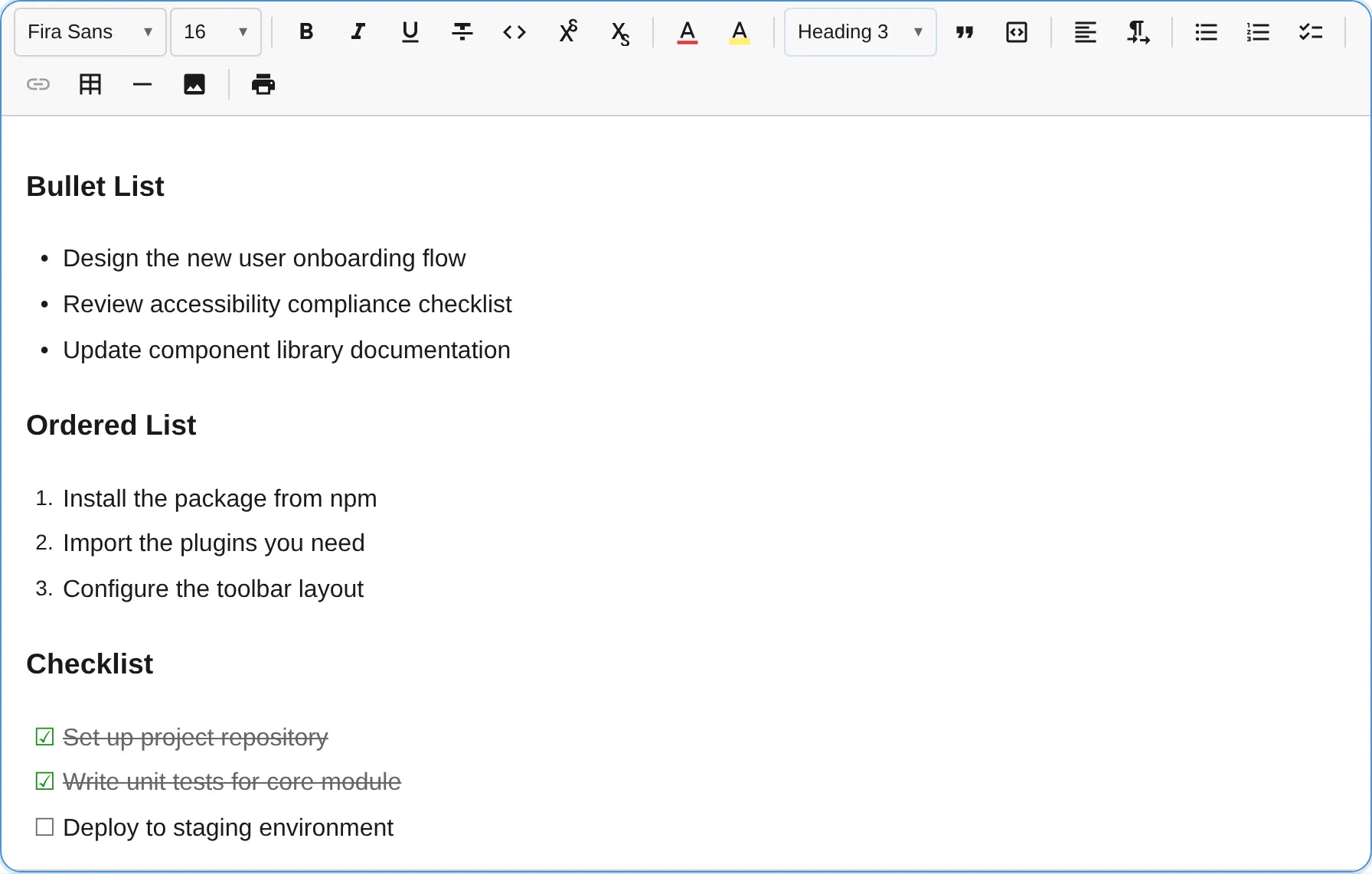
The ListPlugin provides bullet lists, ordered (numbered) lists, and checklists with indent/outdent support up to configurable nesting depth.
import { ListPlugin } from '@notectl/core/plugins/list';
new ListPlugin()// or with custom config:new ListPlugin({ types: ['bullet', 'ordered'], maxIndent: 3 })
Configuration
Section titled “Configuration”interface ListConfig { /** Which list types to enable. Default: ['bullet', 'ordered', 'checklist'] */ readonly types: ListType[]; /** Maximum nesting level. Default: 4 */ readonly maxIndent: number; /** Allow checkbox toggling in read-only mode. Default: false */ readonly interactiveCheckboxes?: boolean; /** Override the plugin locale independently from the global editor locale. */ readonly locale?: ListLocale;}
type ListType = 'bullet' | 'ordered' | 'checklist';Example: Only bullet and ordered lists
Section titled “Example: Only bullet and ordered lists”new ListPlugin({ types: ['bullet', 'ordered'] })Example: Deep nesting
Section titled “Example: Deep nesting”new ListPlugin({ maxIndent: 8 })Example: Interactive checkboxes in read-only mode
Section titled “Example: Interactive checkboxes in read-only mode”When interactiveCheckboxes is enabled, checklist checkboxes remain clickable even when the editor is in read-only mode. All other editing is still blocked.
const editor = await createEditor({ readonly: true, plugins: [new ListPlugin({ interactiveCheckboxes: true })],});See the Read-Only Checklist guide for a full walkthrough.
Locale Override
Section titled “Locale Override”Each plugin resolves its locale automatically from the editor’s global locale setting. To override independently:
import { ListPlugin, loadListLocale } from '@notectl/core/plugins/list';
const listDe = await loadListLocale('de');new ListPlugin({ locale: listDe })
See the Internationalization guide for details.
Commands
Section titled “Commands”| Command | Description | Returns |
|---|---|---|
toggleList:bullet | Toggle bullet list on current block(s) | boolean |
toggleList:ordered | Toggle ordered list on current block(s) | boolean |
toggleList:checklist | Toggle checklist on current block(s) | boolean |
indentListItem | Increase indent level (up to maxIndent) | boolean |
outdentListItem | Decrease indent level | boolean |
toggleChecklistItem | Toggle checked state on checklist item (no-op in read-only mode unless interactiveCheckboxes is enabled) | boolean |
All toggle and indent/outdent commands support multi-block selections. When multiple blocks are selected, the command applies to every block in the range.
// Create a bullet listeditor.executeCommand('toggleList:bullet');
// Indent a list itemeditor.executeCommand('indentListItem');
// Toggle a checkboxeditor.executeCommand('toggleChecklistItem');
Keyboard Shortcuts
Section titled “Keyboard Shortcuts”| Shortcut | Action |
|---|---|
Enter | Split list item; exit list if the item is empty |
Backspace | Convert to paragraph when cursor is collapsed at start of item |
Tab | Indent list item (increase nesting) |
Shift+Tab | Outdent list item (decrease nesting) |
Input Rules
Section titled “Input Rules”Type at the beginning of a line:
| Pattern | Result |
|---|---|
- or * | Bullet list |
1. (any number followed by .) | Ordered list |
[ ] | Unchecked checklist item |
[x] | Checked checklist item |
Toolbar
Section titled “Toolbar”Three toolbar buttons, one for each list type. Each button toggles its respective list type. The active state highlights when the cursor is inside a matching list item.
| Button | Icon | List Type |
|---|---|---|
| Bullet list | Bullet icon | bullet |
| Ordered list | Number icon | ordered |
| Checklist | Checkbox icon | checklist |
Node Spec
Section titled “Node Spec”| Type | Attributes | Description |
|---|---|---|
list_item | listType, indent, checked | Single list node type for all list variants |
// Attribute typesinterface ListItemAttributes { listType: 'bullet' | 'ordered' | 'checklist'; indent: number; // 0-based, max is maxIndent checked: boolean; // Only meaningful for checklist items}notectl uses a flat list model: each list_item carries its own listType and indent level. This avoids the complexity of nested <ul>/<ol> structures and simplifies indent/outdent operations.
Multi-Block Selections
Section titled “Multi-Block Selections”When you select text spanning multiple blocks:
- Toggle commands (
toggleList:bullet,toggleList:ordered,toggleList:checklist) convert all blocks in the selection to the chosen list type. If all selected blocks are already that list type, they are all reverted to paragraphs. - Indent/Outdent (
indentListItem,outdentListItem) adjusts the indent of every list item in the selection. Non-list blocks are skipped. - Toolbar active state reflects the selection: a list button shows as active only when every block in the range matches that list type.