

Horizontal Rule Plugin
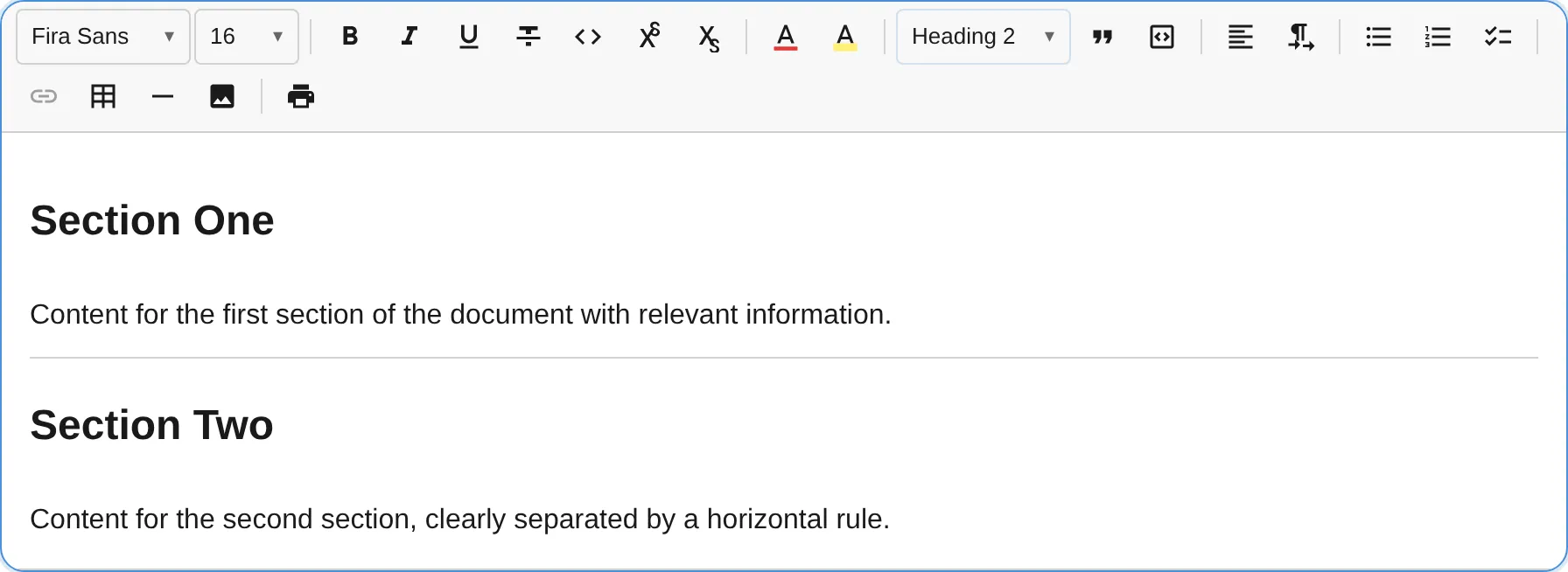
The HorizontalRulePlugin adds horizontal rule (divider) support with a toolbar button and Markdown-style input rule.
import { HorizontalRulePlugin } from '@notectl/core/plugins/horizontal-rule';
new HorizontalRulePlugin()
Configuration
Section titled “Configuration”interface HorizontalRuleConfig { /** Custom locale strings. */ readonly locale?: HorizontalRuleLocale;}Commands
Section titled “Commands”| Command | Description | Returns |
|---|---|---|
insertHorizontalRule | Insert a horizontal rule followed by a new paragraph | boolean |
editor.executeCommand('insertHorizontalRule');The command inserts the <hr> and automatically creates a new paragraph below it, so the cursor has a place to continue typing.
Keyboard Shortcuts
Section titled “Keyboard Shortcuts”| Shortcut | Action |
|---|---|
Ctrl+Shift+H / Cmd+Shift+H | Insert horizontal rule |
Toolbar
Section titled “Toolbar”The plugin registers a toolbar button in the block group with a horizontal line icon. Clicking it executes the insertHorizontalRule command.
Input Rules
Section titled “Input Rules”| Pattern | Result |
|---|---|
--- (three or more dashes + space) | Horizontal rule |
Node Spec
Section titled “Node Spec”| Type | HTML Tag | Description |
|---|---|---|
horizontal_rule | <hr> | Void block (no editable content) |
The horizontal rule is a void block — it has no text content and cannot be edited. It acts purely as a visual divider between content sections.