

Font Size Plugin
The FontSizePlugin provides a font size selector with preset sizes, custom input, and keyboard shortcuts for stepping through sizes.
import { FontSizePlugin } from '@notectl/core/plugins/font-size';
new FontSizePlugin()// or with custom config:new FontSizePlugin({  sizes: [12, 14, 16, 20, 24, 32, 48],  defaultSize: 16,})
Configuration
Section titled “Configuration”interface FontSizeConfig { /** Preset sizes shown in the dropdown. Sorted and deduplicated automatically. */ readonly sizes?: number[]; /** Base font size (no mark applied). Default: 16 */ readonly defaultSize?: number; /** Custom locale strings. */ readonly locale?: FontSizeLocale;}Default Preset Sizes
Section titled “Default Preset Sizes”When sizes is not specified:
8, 9, 10, 11, 12, 14, 16, 18, 20, 24, 28, 32, 36, 48, 64, 72, 96Commands
Section titled “Commands”| Command | Description | Returns |
|---|---|---|
setFontSize | Reserved — font size is applied via the toolbar popup | false |
removeFontSize | Remove font size mark (reset to default) | boolean |
increaseFontSize | Step up to next preset size | boolean |
decreaseFontSize | Step down to previous preset size | boolean |
editor.executeCommand('increaseFontSize');editor.executeCommand('decreaseFontSize');editor.executeCommand('removeFontSize');Keyboard Shortcuts
Section titled “Keyboard Shortcuts”| Shortcut | Action |
|---|---|
Ctrl+Shift++ / Cmd+Shift++ | Increase font size |
Ctrl+Shift+_ / Cmd+Shift+_ | Decrease font size |
Toolbar
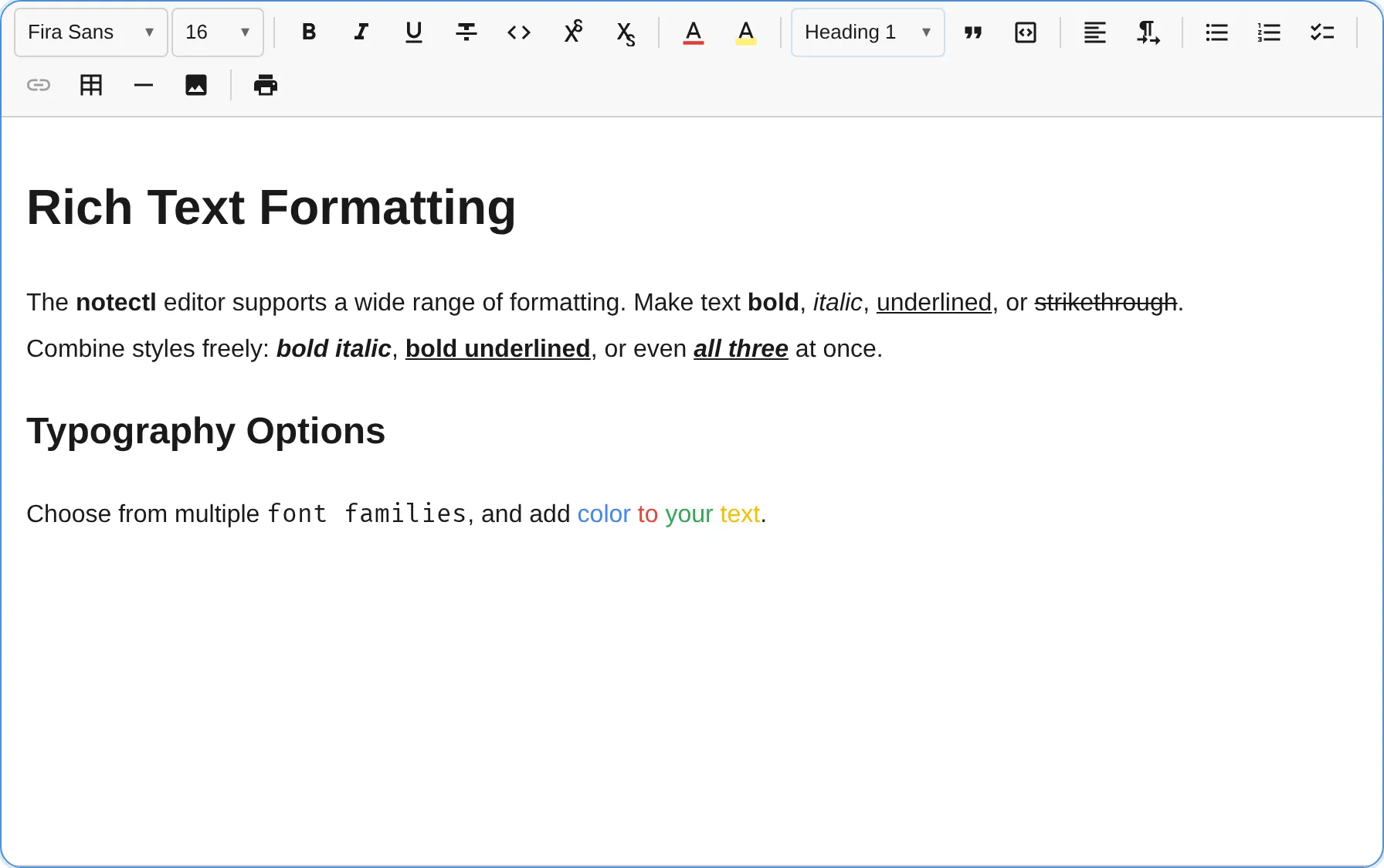
Section titled “Toolbar”The font size plugin renders as a combobox showing the current size. The dropdown includes:
- A number input for custom sizes (1-400)
- A scrollable list of preset sizes
- Full keyboard navigation (arrow keys, Enter, Escape)
The currently active size is highlighted in the list. If the cursor is on text with no font size mark, the default size is shown.
Mark Spec
Section titled “Mark Spec”| Mark | Attributes | Renders As |
|---|---|---|
fontSize | size: string (e.g., "24px") | <span style="font-size: 24px"> |
Default Size Behavior
Section titled “Default Size Behavior”When the user selects the defaultSize, the font size mark is removed rather than applied. This keeps the document clean — text at the default size has no unnecessary marks.
Stepping Logic
Section titled “Stepping Logic”The increaseFontSize and decreaseFontSize commands find the current font size at the cursor, locate it in the sorted preset list, and move to the next/previous entry. If the current size is not in the preset list, the commands snap to the nearest preset.