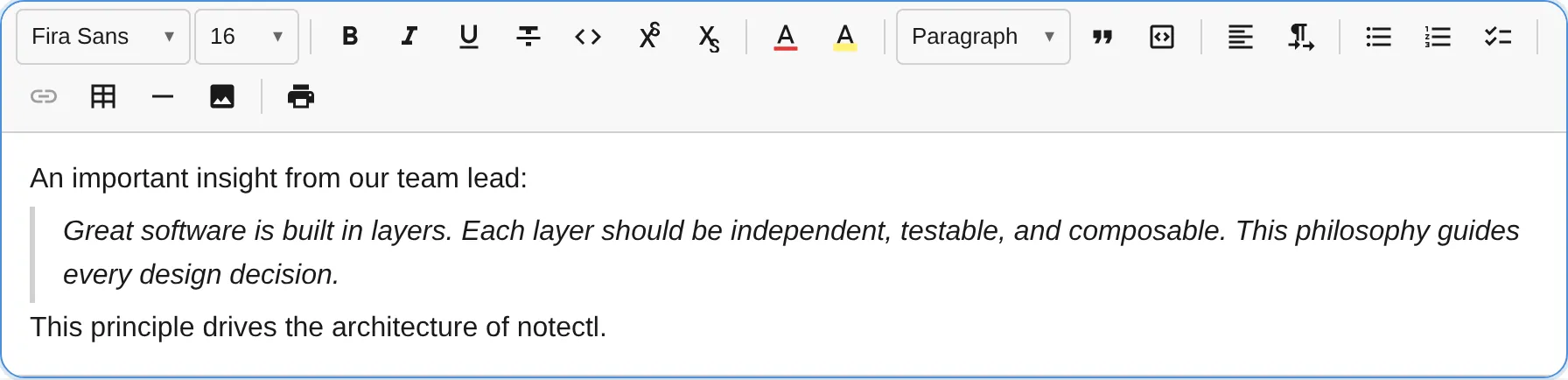
The BlockquotePlugin adds block quote support with a toggle command, keyboard shortcut, and Markdown-style input rule.
import { BlockquotePlugin } from ' @notectl/core/plugins/blockquote ' ;
interface BlockquoteConfig {
/** Custom locale strings. */
readonly locale ?: BlockquoteLocale ;
Command Description Returns toggleBlockquoteToggle blockquote on/off for the current block booleansetBlockquoteConvert the current block to blockquote boolean
editor . executeCommand ( ' toggleBlockquote ' );
Shortcut Action Ctrl+Shift+> / Cmd+Shift+>Toggle blockquote
Pattern Result > (at the start of a line)Convert to blockquote
Key Action Enter (empty blockquote)Convert blockquote to paragraph Backspace (at position 0)Convert blockquote to paragraph ArrowDown (at end of text)Move cursor to next block, or insert a paragraph if last block ArrowUp (at position 0)Move cursor to previous block
Type HTML Tag Description blockquote<blockquote>Block-level quote container
The toDOM method creates a <blockquote> element with the required data-block-id attribute. The editor’s default styles render a left border and padding for visual distinction.