Introduction
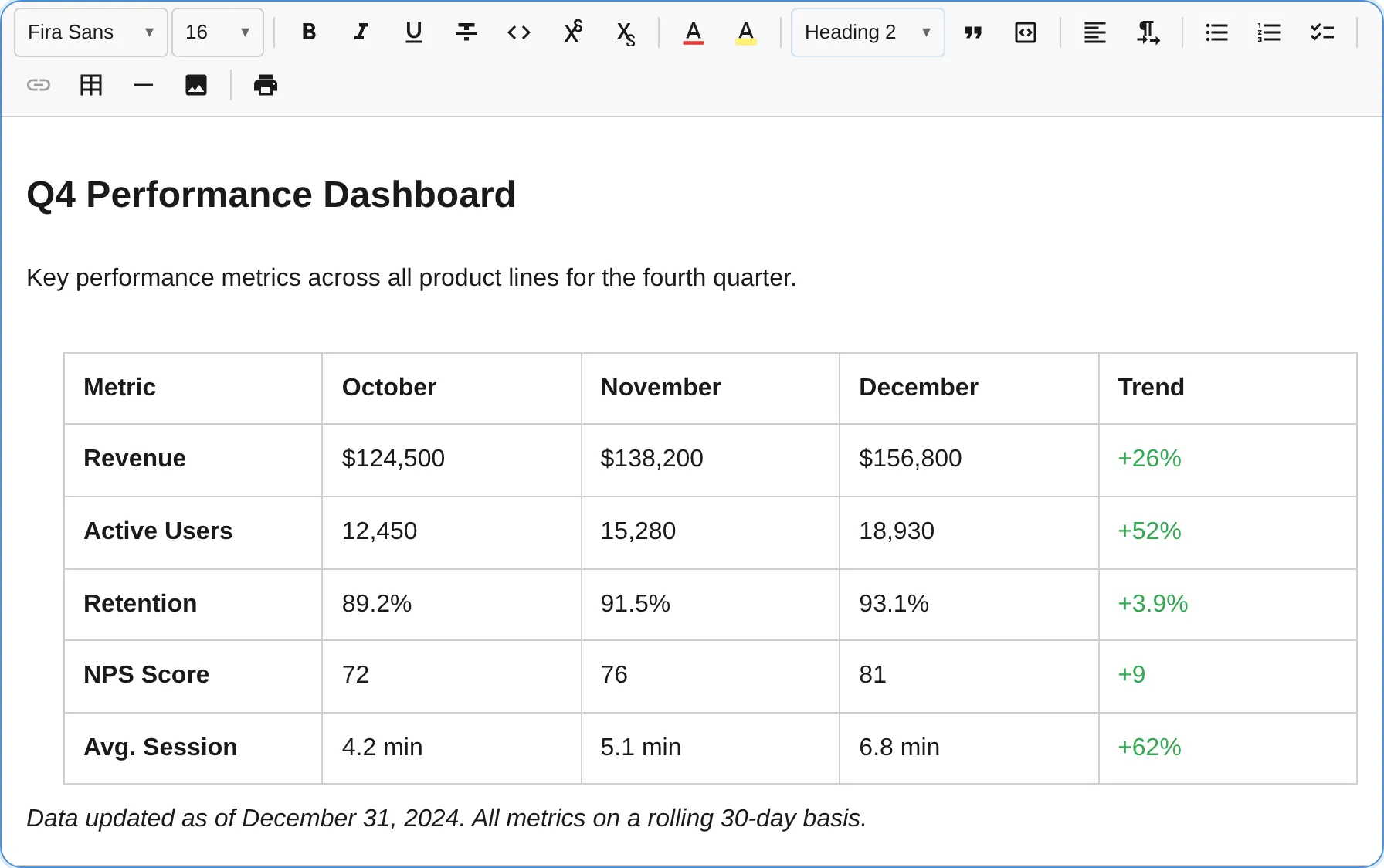
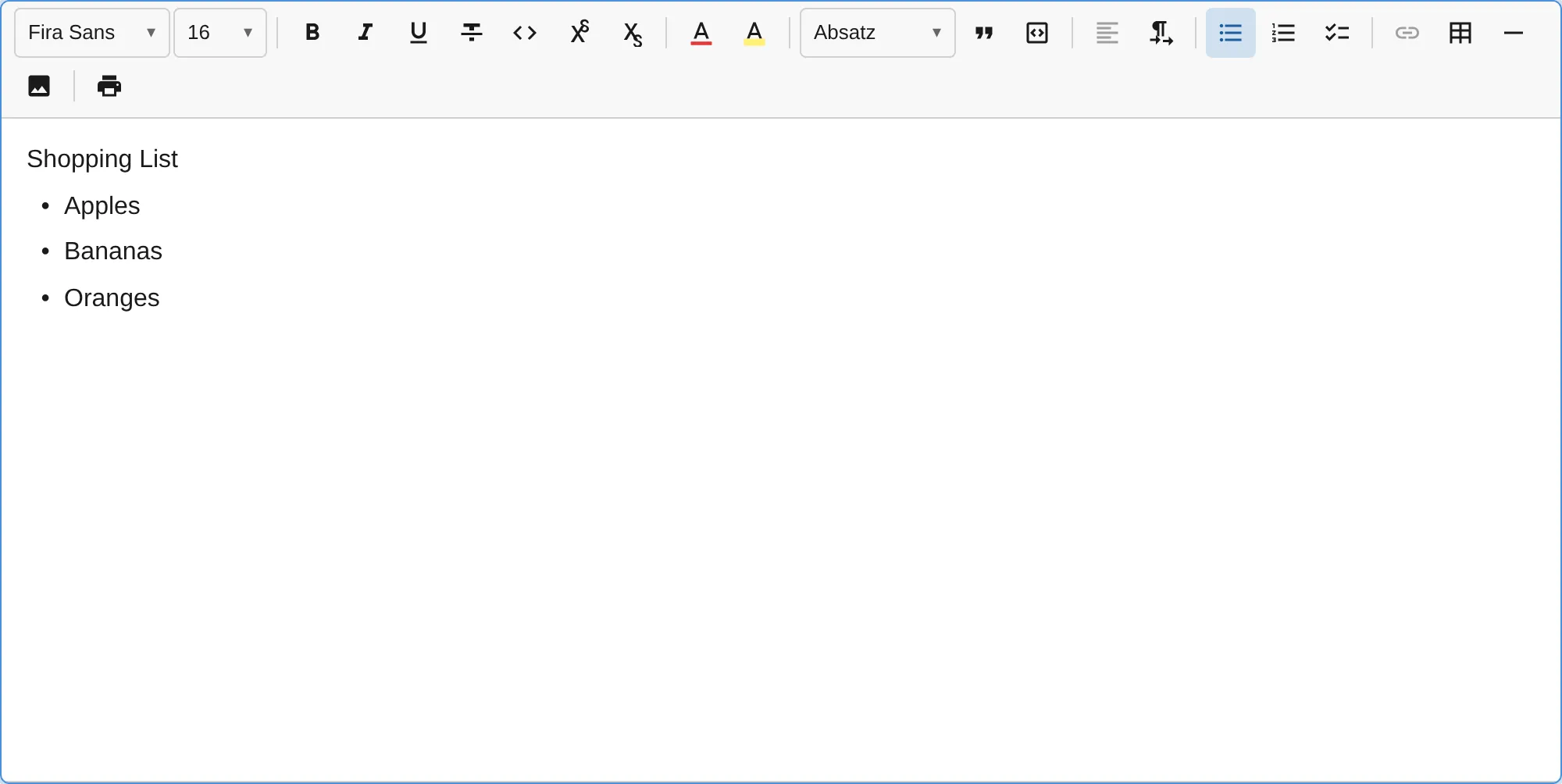
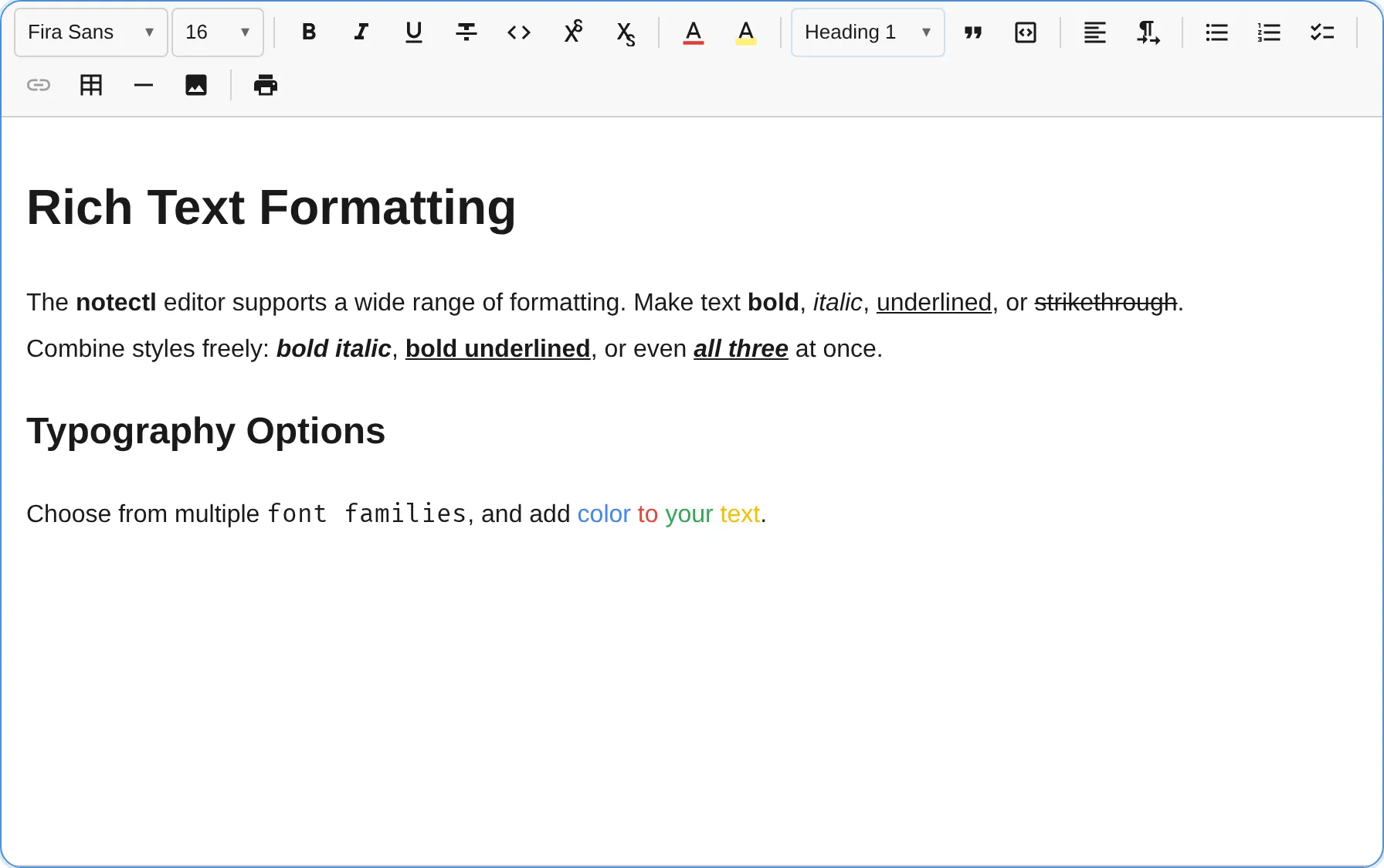
notectl is a rich text editor shipped as a native Web Component (<notectl-editor>). It is designed from the ground up with a strict layered architecture, immutable data structures, a powerful plugin system, and comprehensive accessibility support.
Key Features
Section titled “Key Features”- Web Component — Works in any framework (React, Vue, Angular, Svelte) or plain HTML
- Plugin-based — Every feature is a plugin. Use only what you need.
- Immutable State — All state changes are expressed as invertible transactions with step-based history
- Declarative Toolbar — Configure toolbar layout with a simple array-of-arrays syntax
- Custom Fonts — Load WOFF2/TTF/OTF fonts with automatic
@font-faceinjection - Tables — Full table support with cell selection, row/column operations
- Accessible — ARIA roles, screen reader announcements, keyboard navigation throughout
- Type-safe — Written in strict TypeScript with branded types and exhaustive type guards
How It Works
Section titled “How It Works”notectl follows a unidirectional data flow:
User Input → Transaction (Steps) → Middleware → New State → DOM ReconciliationEvery change creates a Transaction containing one or more Steps. Steps are atomic, invertible operations (insert text, add mark, split block, etc.). The transaction passes through a middleware chain, then produces a new immutable EditorState. The view layer diffs the old and new state and patches the DOM at block granularity.
This architecture gives you:
- Predictable updates — state is always consistent
- Built-in undo/redo — every step can be inverted
- Plugin interception — middleware can modify or cancel transactions
- Easy testing — state transitions are pure functions
Architecture at a Glance
Section titled “Architecture at a Glance”| Layer | Responsibility |
|---|---|
| Model | Immutable data types: Document, BlockNode, TextNode, InlineNode, Mark, Selection |
| State | EditorState container, Transaction builder, History manager |
| View | DOM reconciliation, selection sync, input handling |
| Commands | High-level operations: toggleMark, splitBlock, deleteBackward |
| Plugins | Feature modules that register schema, commands, keymaps, toolbar items |
Built-in Plugins
Section titled “Built-in Plugins”
notectl ships with 23 built-in plugins covering text formatting, headings, lists, tables, links, code blocks, images, fonts, text color, alignment, highlight, superscript/subscript, smart paste, and more. See the Plugin Overview for the full list.
Screenshots
Section titled “Screenshots”